Πώς να Χρησιμοποιήσετε το CIDI στο WordPress
- Stylianos Asmargianakis
- Dev ops , Word press
- 5 Αυγούστου 2025
Table of Contents
Η ενσωμάτωση CI/CD με το WordPress μπορεί να ακούγεται υπερβολική — αλλά με το CIDI (Continuous Integration & Deployment Infrastructure), γίνεται ένας απλός και αποτελεσματικός τρόπος για να:
- Αυτοματοποιήσετε ενημερώσεις plugin/theme
- Κάνετε push περιεχόμενο ή κώδικα live με ασφάλεια
- Εξαλείψετε το downtime κατά τα deployments
- Χρησιμοποιήσετε version control με δυνατότητα rollback
Σε αυτό το post, θα δούμε πώς να συνδέσετε το WordPress με το CIDI χρησιμοποιώντας GitLab και Docker για αυτόματα deployments.
🧱 Τι Είναι το CIDI;
Το CIDI (ή Continuous Integration & Deployment Infrastructure) είναι ένα ελαφρύ σύστημα — συνήθως βασισμένο σε GitLab CI, GitHub Actions, ή παρόμοια εργαλεία — σχεδιασμένο για να:
- Παρακολουθεί το repo σας για αλλαγές
- Χτίζει/δοκιμάζει το project
- Το αναπτύσσει σε remote server (μέσω SSH ή Docker)
Ενώ το CIDI χρησιμοποιείται συνήθως σε Laravel, Node.js, και static sites, μπορείτε σίγουρα να το χρησιμοποιήσετε και με WordPress.
📦 Τι Χρειάζεστε
- Ένα repository GitLab (ή GitHub) που περιέχει:
- Core WordPress (προαιρετικό, αλλά χρήσιμο για πλήρη έλεγχο)
- Το theme(s) ή plugin(s) σας
- Οποιαδήποτε custom configs (
.htaccess,wp-config.php)
- Έναν server με:
- Docker ή bare-metal PHP stack
- Πρόσβαση SSH
- GitLab CI/CD runner (ή self-hosted runner)
- Προαιρετικό: Docker Compose για φορητότητα
📁 Τυπική Δομή Project
wordpress-project/
├── docker-compose.yml
├── wp-content/
│   ├── themes/
│   │   └── your-custom-theme/
│   └── plugins/
│       └── your-plugin/
├── .gitlab-ci.yml
└── wp-config.php
Κάνετε version-control μόνο ό,τι διαχειρίζεστε. Τα core αρχεία μπορούν να προστεθούν ή να εξαιρεθούν ανάλογα με το workflow σας.
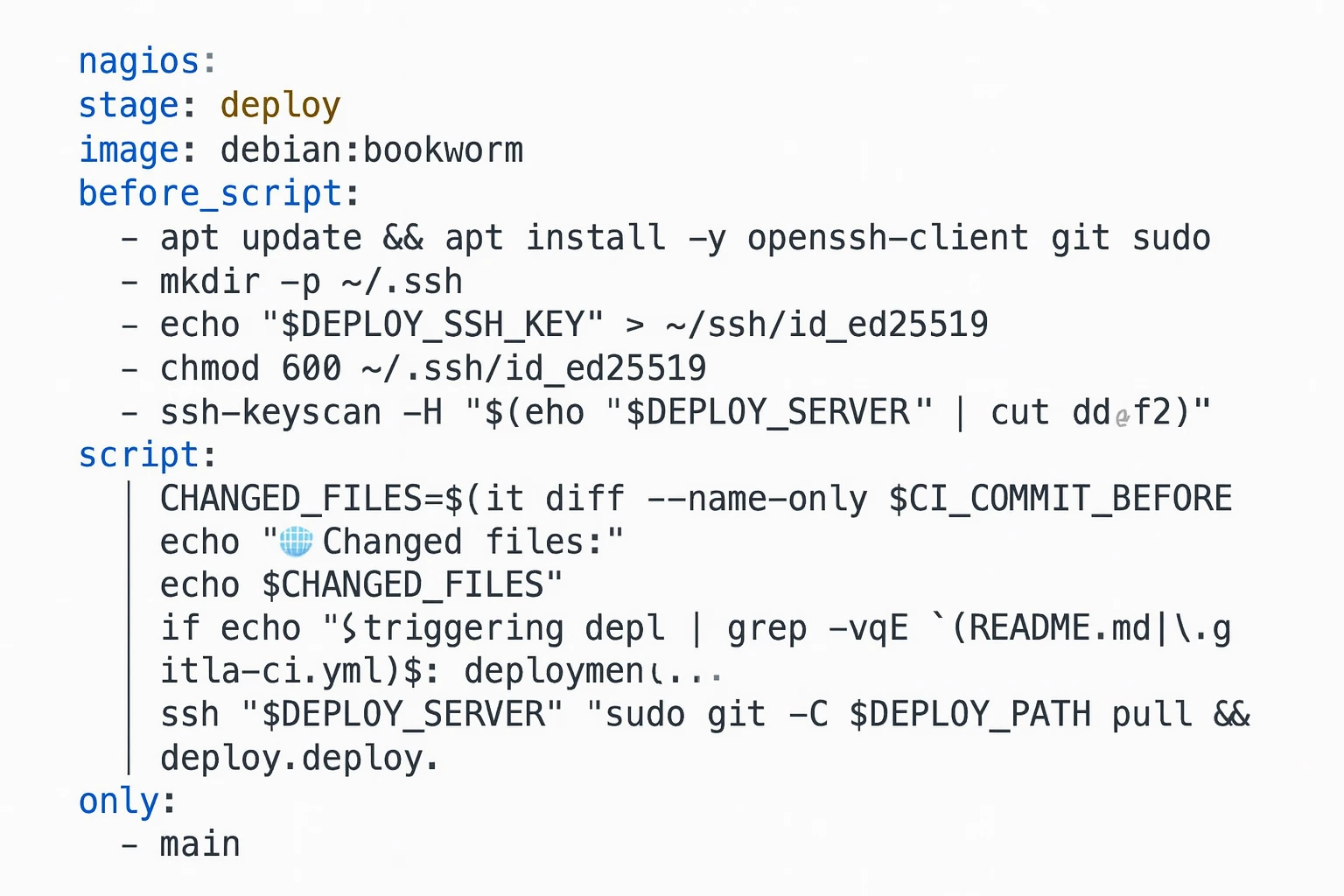
⚙️ Παράδειγμα .gitlab-ci.yml για WordPress + CIDI
stages:
  - deploy

before_script:
  - 'which ssh-agent || ( apt-get update -y && apt-get install openssh-client -y )'
  - eval $(ssh-agent -s)
  - echo "$DEPLOY_SSH_KEY" | tr -d '\r' | ssh-add -
  - mkdir -p ~/.ssh
  - chmod 700 ~/.ssh
  - ssh-keyscan -H "$DEPLOY_HOST" >> ~/.ssh/known_hosts

deploy:
  stage: deploy
  script:
    - rsync -az --delete ./ "$DEPLOY_USER@$DEPLOY_HOST:/var/www/wordpress-site"
  only:
    - main
Αυτό κάνει deploy το repo σας στο /var/www/wordpress-site κατά το push στο branch main.
Χρησιμοποιήστε Docker αν χρειάζεται:
  script:
    - docker compose down
    - git pull
    - docker compose up -d --build
🔑 Μεταβλητές GitLab που Θα Χρειαστείτε
Ορίστε αυτές στο repo σας στο GitLab κάτω από Settings > CI/CD > Variables:
DEPLOY_HOST: η IP του server σας (π.χ.123.123.123.123)DEPLOY_USER: χρήστης SSH (π.χ.rootήwordpress)DEPLOY_SSH_KEY: private key με πρόσβαση
Βεβαιωθείτε ότι το public key έχει προστεθεί στο ~/.ssh/authorized_keys στον server.
🐳 Προαιρετικό: Χρήση Docker για Απομόνωση
Αν διαχειρίζεστε πολλαπλά sites WordPress, το Docker είναι ιδανικό. Παράδειγμα docker-compose.yml:
version: '3.8'
services:
  wordpress:
    image: wordpress:php8.2-apache
    volumes:
      - ./wp-content:/var/www/html/wp-content
    environment:
      WORDPRESS_DB_HOST: db
      WORDPRESS_DB_NAME: wp_db
      WORDPRESS_DB_USER: wp_user
      WORDPRESS_DB_PASSWORD: secret
    ports:
      - "8080:80"
  db:
    image: mariadb
    restart: always
    environment:
      MYSQL_DATABASE: wp_db
      MYSQL_USER: wp_user
      MYSQL_PASSWORD: secret
      MYSQL_ROOT_PASSWORD: rootpass
    volumes:
      - db_data:/var/lib/mysql

volumes:
  db_data:
Κάντε push το περιεχόμενό σας στο Git → Αφήστε το CI να κάνει deploy και να ξεκινήσει τα containers.
✅ Οφέλη Χρήσης CIDI με WordPress
- 🛠 Ασφαλή deployments (rollback μέσω Git)
- 🚀 Ταχύτερος κύκλος κυκλοφορίας (χωρίς FTP, χωρίς χειροκίνητα uploads)
- 👀 Πλήρες ιστορικό αλλαγών theme/plugin/κώδικα
- 🧪 Ενσωμάτωση tests ή linters (π.χ. PHPCS ή PHPUnit)
- 🔐 Χωρίς σφάλματα δικαιωμάτων αρχείων (χειρίζονται κατά το build)
🚫 Πράγματα προς Αποφυγή
- Μην κάνετε version-control ολόκληρο τον φάκελο
wp-content/uploads(χρησιμοποιήστε object storage ή αγνοήστε μεγάλα αρχεία) - Μην κάνετε deploy μέσω FTP (αργό, μη ασφαλές, μη επαναλήψιμο)
- Μην αποθηκεύετε
.envή ευαίσθητα configs σε plain text
Χρησιμοποιήστε το .gitignore έξυπνα:
wp-content/uploads/
.env
🧩 Τελικές Σκέψεις
Το WordPress μπορεί σίγουρα να συνεργαστεί με σύγχρονα εργαλεία DevOps όπως το CIDI. Απλά χρειάζεται να αντιμετωπίζετε τον κώδικά σας όπως κάθε άλλη εφαρμογή — version-controlled, δοκιμασμένο, και deployed αυτόματα.
Αν χτίζετε custom themes ή plugins, αυτό είναι απαραίτητο.
Θέλετε ένα boilerplate repo ή πλήρες template GitLab CI/CD για τη δική σας περίπτωση; Πείτε μας!