
Backups you can restore, and restores you can undo.
Every server in your cluster is backed up every night to a host that can't delete history, with a second copy at another provider. You restore what you need yourself, and nothing current is thrown away when you do.
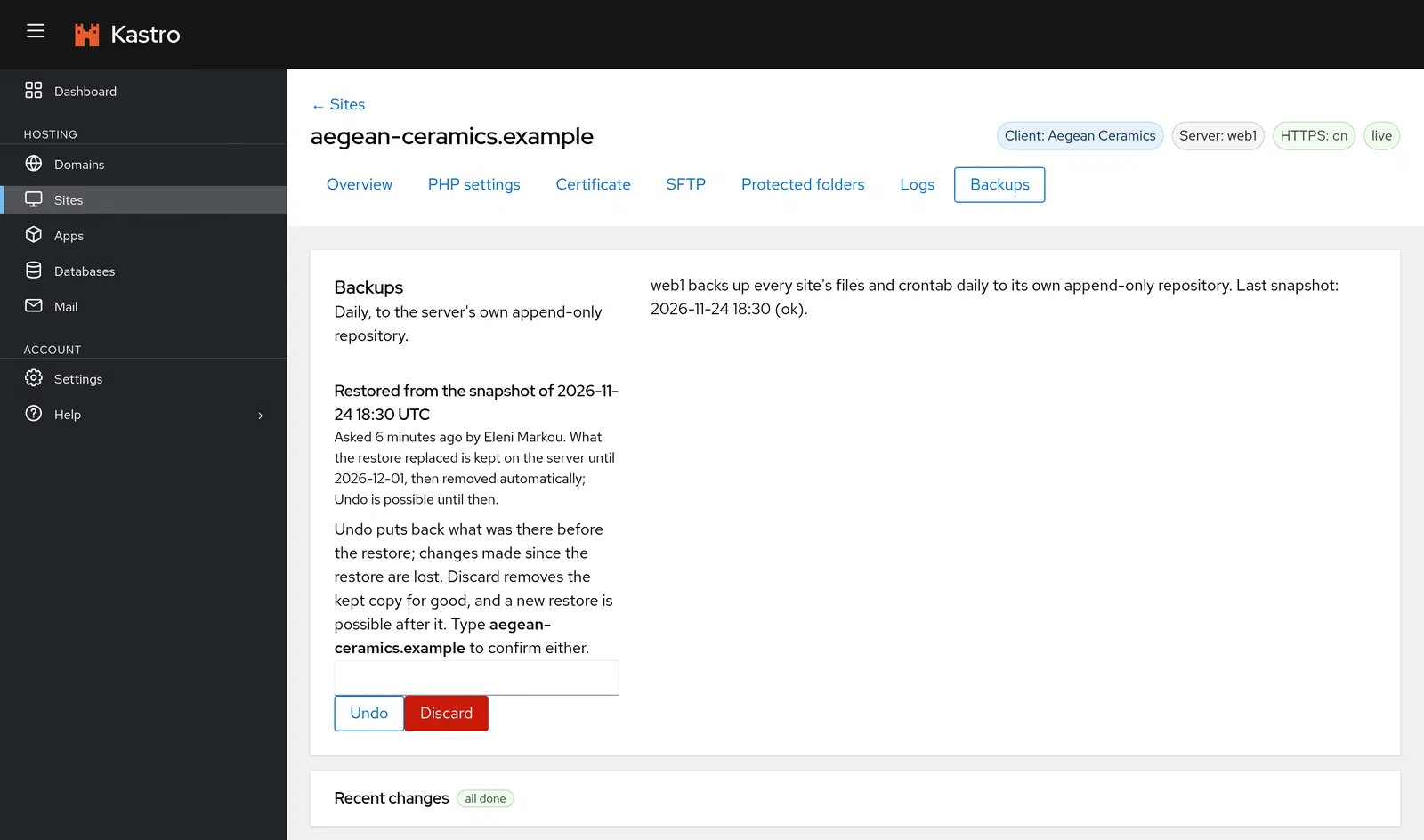
Every server, every night
The platform's own backups. They need nothing from you and nothing from the control panel.
On each server's own schedule
Backups run from each server's own timer, so they carry on even while the control panel is down.
Append-only
Snapshots go to a backup host that only accepts additions. A compromised server can add to its history but never delete it.
A second copy, elsewhere
Every day, each repository is copied to a second provider.
Kept for months
14 daily, 8 weekly and 6 monthly snapshots.
Encrypted
Every repository is encrypted with restic. The keys live in a recovery kit kept away from the cluster.
Watched
Monitoring alerts us as soon as any server's last snapshot is more than 26 hours old.
Restore it yourself
- Restore a site's files, a database, a mailbox or an app's data from your client area.
- Up to five restores a day.
- Whatever a restore replaces is set aside, so you can undo it.
- Restored mail arrives in its own Restored folder, so nothing in your inbox is overwritten.
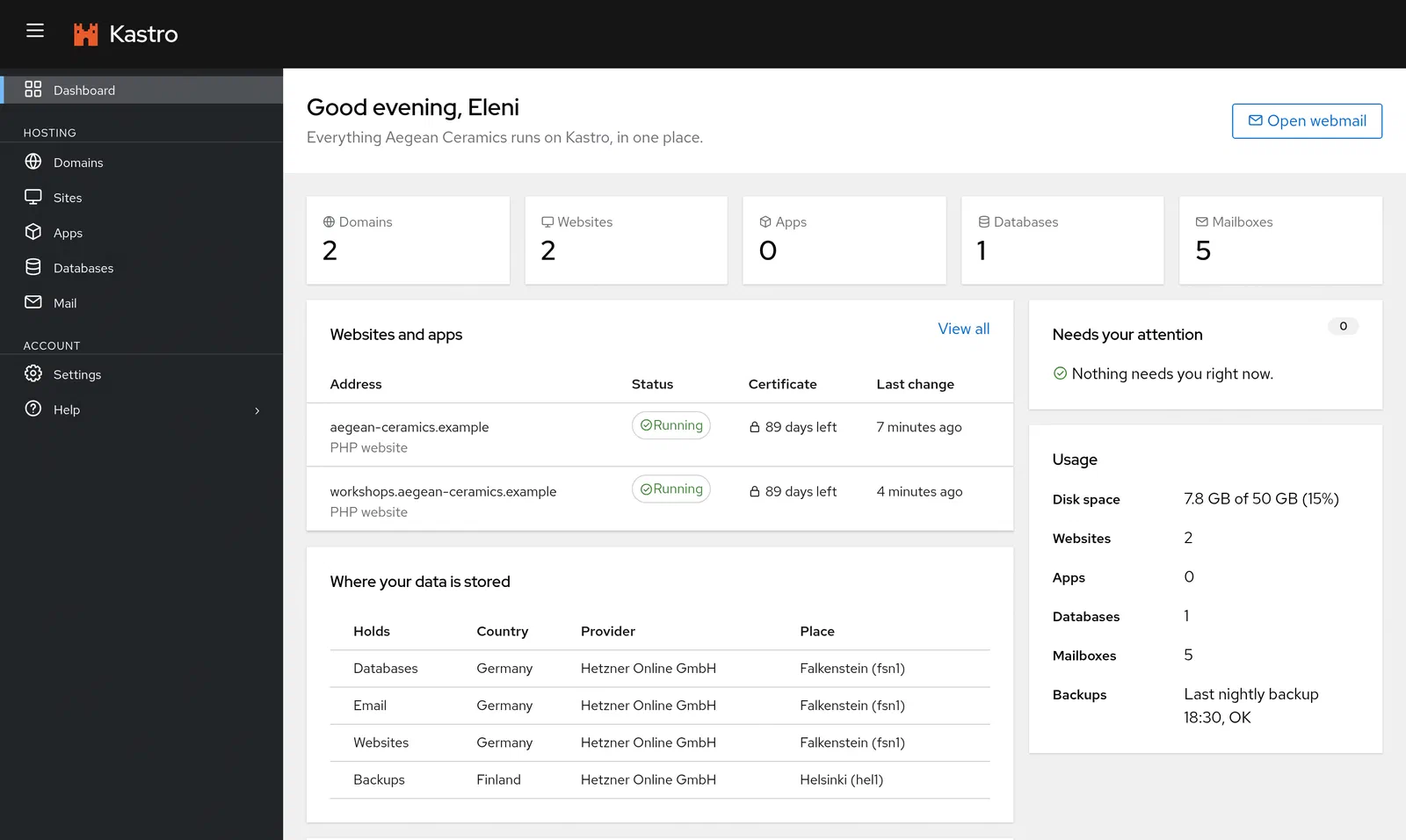
The same safety net, on your own servers
Our backup portal, resticapp, also runs on its own, for teams that keep their own servers at any provider: a backup before a risky change, a restore when it goes wrong, and an undo for every restore.
- A backup in one click: the database is dumped first, then files and dump go into one snapshot.
- Restore the files, the database, both, or a single folder.
- A maintenance page goes up during a restore, and the site reopens only after its health checks pass.
- Every restore can be undone for three days.
- Works on
- Your servers, at any provider
- Repository
- One per site, encrypted
- Can it delete backups?
- No. The capability isn't there
- Sign-in
- Cloudflare Access, with two-factor
Measured recovery times
From rehearsals on the production cluster, November 2026.
Questions
How much data could we lose?
With nightly backups, at most a day's changes. Before a risky change we make for you, we take a fresh backup first.
What if the control panel itself fails?
Backups don't depend on it, because every server backs itself up on its own schedule. The panel is backed up as well, and in rehearsal it was restored in 6 minutes 45 seconds.
Could an attacker delete our backups?
A compromised server can add snapshots but can't delete history, not even its own. The backup host sits outside the private network, and a second copy is kept at another provider.
Do you test restores?
Yes. Restores are rehearsed on the cluster before the first site moves in, and the recovery times on this page come from those rehearsals.